

- This event has passed.
FREE! CPD Webinar – Visual Literacy with Widgit & Mighty Writer hosted by Louise Dawson
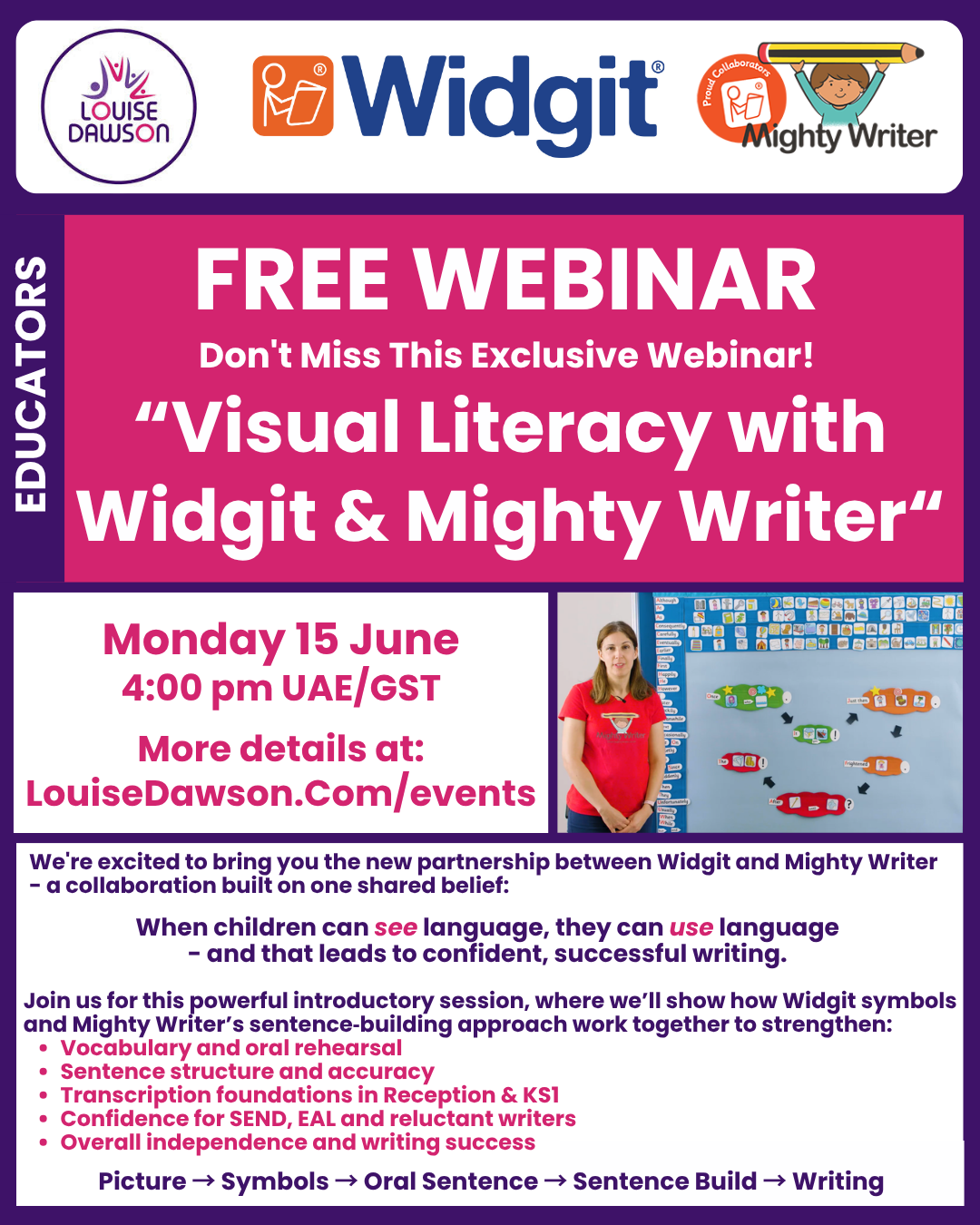
We’re excited to bring you our first webinar showing the collaboration between Widgit and Mighty Writer- a collaboration built on one shared belief:
When children can see language, they can use language – and that leads to confident, successful writing.
Join Louise as she hosts Lisa from Widgit and Emma from Mighty Writer for this powerful introductory session, where we’ll show how Widgit symbols and Mighty Writer’s sentence‑building approach work together to strengthen:
- Vocabulary and oral rehearsal
- Sentence structure and accuracy
- Transcription foundations in Reception & KS1
- Confidence for SEND, EAL and reluctant writers
- Overall independence and writing success
This practical, classroom‑focused webinar walks you through the full visual‑to‑verbal learning journey:
Picture → Symbols → Oral Sentence → Sentence Build → Writing
This webinar is intended for all educators that teach literacy and students with special education needs and disability (SEND) or English as an Additional Language (EAL/ELL). Please share these details with your colleagues and LSAs and they can book easily via the Mighty Writer website.
Registered attendees will be sent a link to the recording of the session
More details about Mighty Writer here
More details about Widgit here
Please be aware that some people have had issues trying to book spaces on our events. We believe this is an issue with the mobile networks. We apologise for this issue, which is beyond our control.
If you experience this problem booking for our events please send a email to media@louisedawson.com with the event and date, your name(s) and email address(es) of the people you would like to book on to the event.
To book your space at this event…
- Using the + and – buttons in the “Tickets” dialog box select the number of tickets you require
*** If you do not select the number of tickets you required you will be unable to progress with your order ***
- Click on the “Get Tickets” button
On the next screen…
- Add your name as the “purchaser” of the ticket(s)
- Add your email address [this is the address the confirmation details will be sent to]
- Enter your payment details [if required]
- Click on the “Get Tickets” or “Purchase Tickets” button at the foot of the page to complete your order
You will receive an on-screen order confirmation, and you will also be sent two emails to the email address you entered, which will include:
- Your tickets, and
- Your purchase receipt
If you do not receive your purchase receipt or tickets please ensure you have checked your spam or junk folder!