



- This event has passed.
FREE! Webinar – Turn mock data into targeted intervention in minutes with SAM Learning
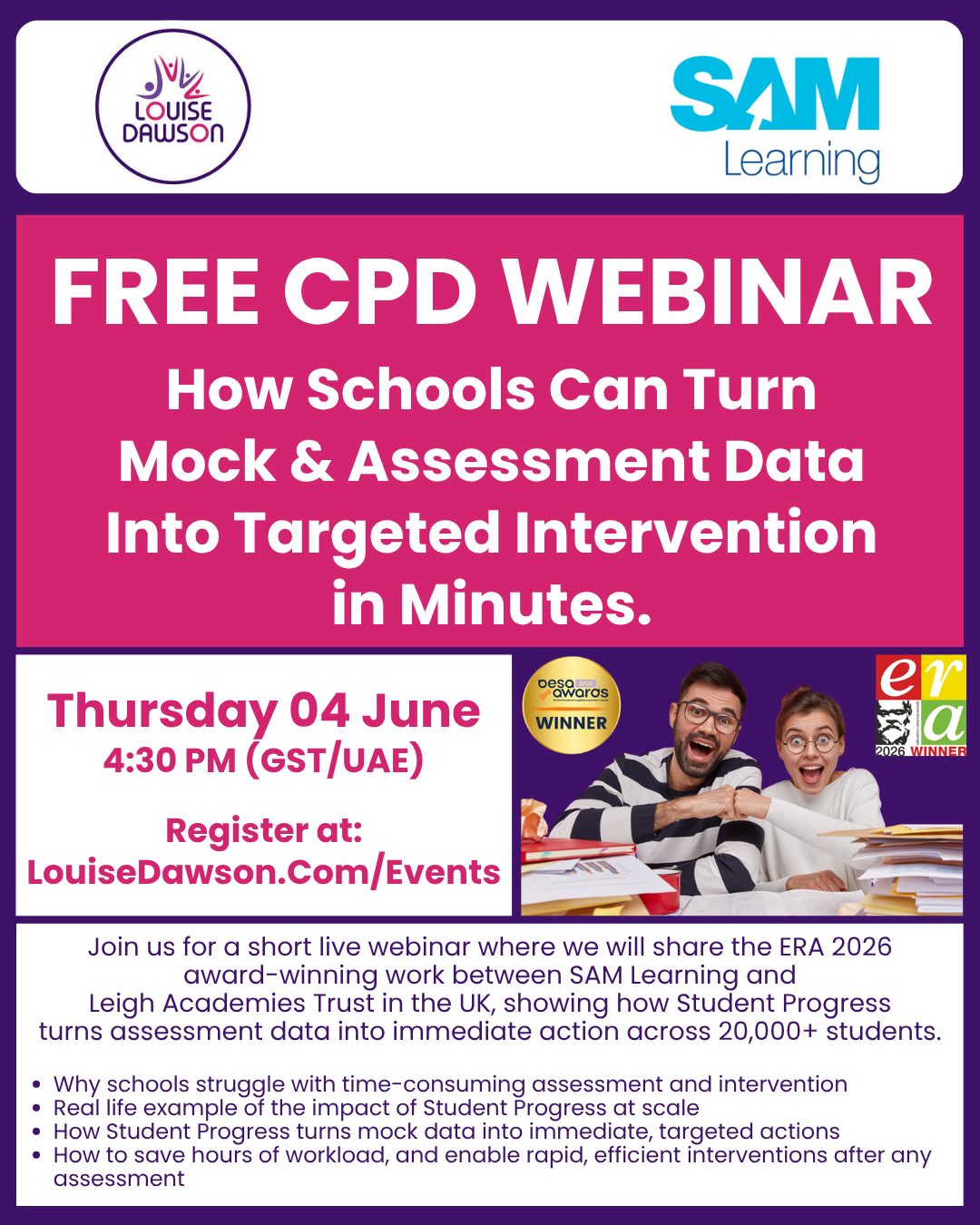
Join us for a short live webinar showing how schools can turn mock and assessment data into targeted intervention in minutes.
We’ll share the ERA 2026 award-winning work between SAM Learning and Leigh Academies Trust in the UK, showing how Student Progress turns assessment data into immediate action across 20,000+ students.
Thursday 4th June
4:30pm GST/UAE
20-minute live session plus Q&A
Agenda:
- Why schools struggle with time-consuming assessment and intervention
- Real life example of the impact of Student Progress at scale
- How Student Progress turns mock data into immediate, targeted actions
- How to save hours of workload, and enable rapid, efficient interventions after any assessment
What you’ll get:
In this session you will see how Student Progress can…
- Help schools identify question-level gaps
- Reduce manual analysis, and
- Set targeted follow-up work for students
You’ll also get access to the Leigh Academies Trust case study and see how a 30-day supported pilot could work in your school or group.
Find out more about Student Progress here
Please be aware that some people have had issues trying to book spaces on our events. We believe this is an issue with the mobile networks. We apologise for this issue, which is beyond our control.
If you experience this problem booking for our events please send a email to media@louisedawson.com with the event and date, your name(s) and email address(es) of the people you would like to book on to the event.
To book your space at this event…
- Using the + and – buttons in the “Tickets” dialog box select the number of tickets you require
*** If you do not select the number of tickets you required you will be unable to progress with your order ***
- Click on the “Get Tickets” button
On the next screen…
- Add your name as the “purchaser” of the ticket(s)
- Add your email address [this is the address the confirmation details will be sent to]
- Enter your payment details [if required]
- Click on the “Get Tickets” or “Purchase Tickets” button at the foot of the page to complete your order
You will receive an on-screen order confirmation, and you will also be sent two emails to the email address you entered, which will include:
- Your tickets, and
- Your purchase receipt
If you do not receive your purchase receipt or tickets please ensure you have checked your spam or junk folder!